
Deneyap Kart Arduino IDE Library Version Check
- Open the “Upload Settings” section from the Deneyap Blok interface.
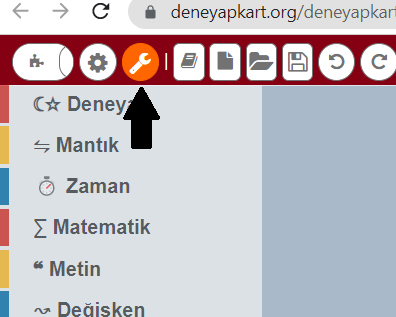
Deneyap Kart Blok Version Check
- In the window that opens, the “Deneyap Development Boards Arduino IDE Version” must be selected as the latest version.
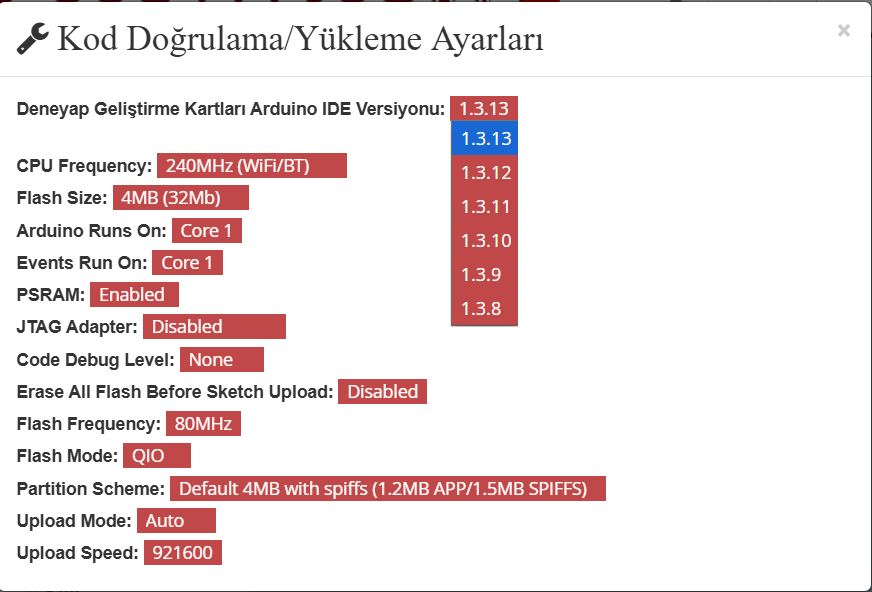
Deneyap Kart Blok Versions
Deneyap Kart Blok Software Version Check
- The latest version of the Deneyap Kart Blok software must be installed on your computer. To check this, look for the “Deneyap Kart” icon located at the bottom-right corner of the Windows taskbar.
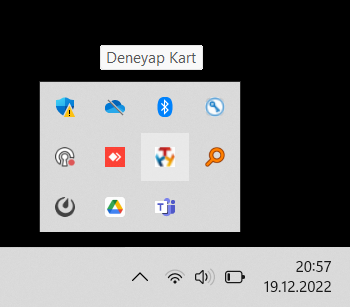
Deneyap Kart Blok Taskbar
- When you right-click on the Deneyap Kart icon, you can view the version number.
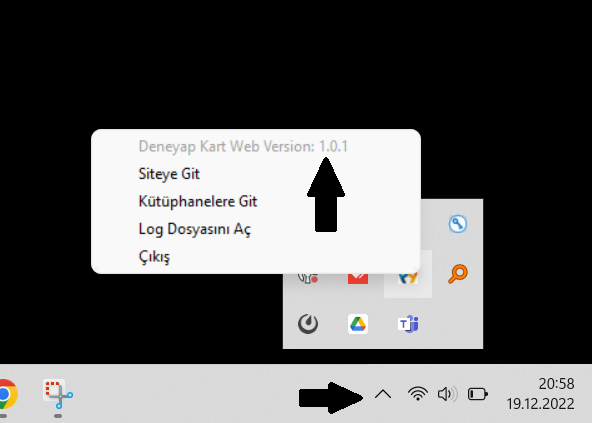
Deneyap Kart Blok Software Version Check
Removing an Old Version of the Deneyap Kart Web Software
- If an old version of the Deneyap Kart Web software is installed on your computer, you must uninstall it using the “Add or Remove Programs” application in Windows.
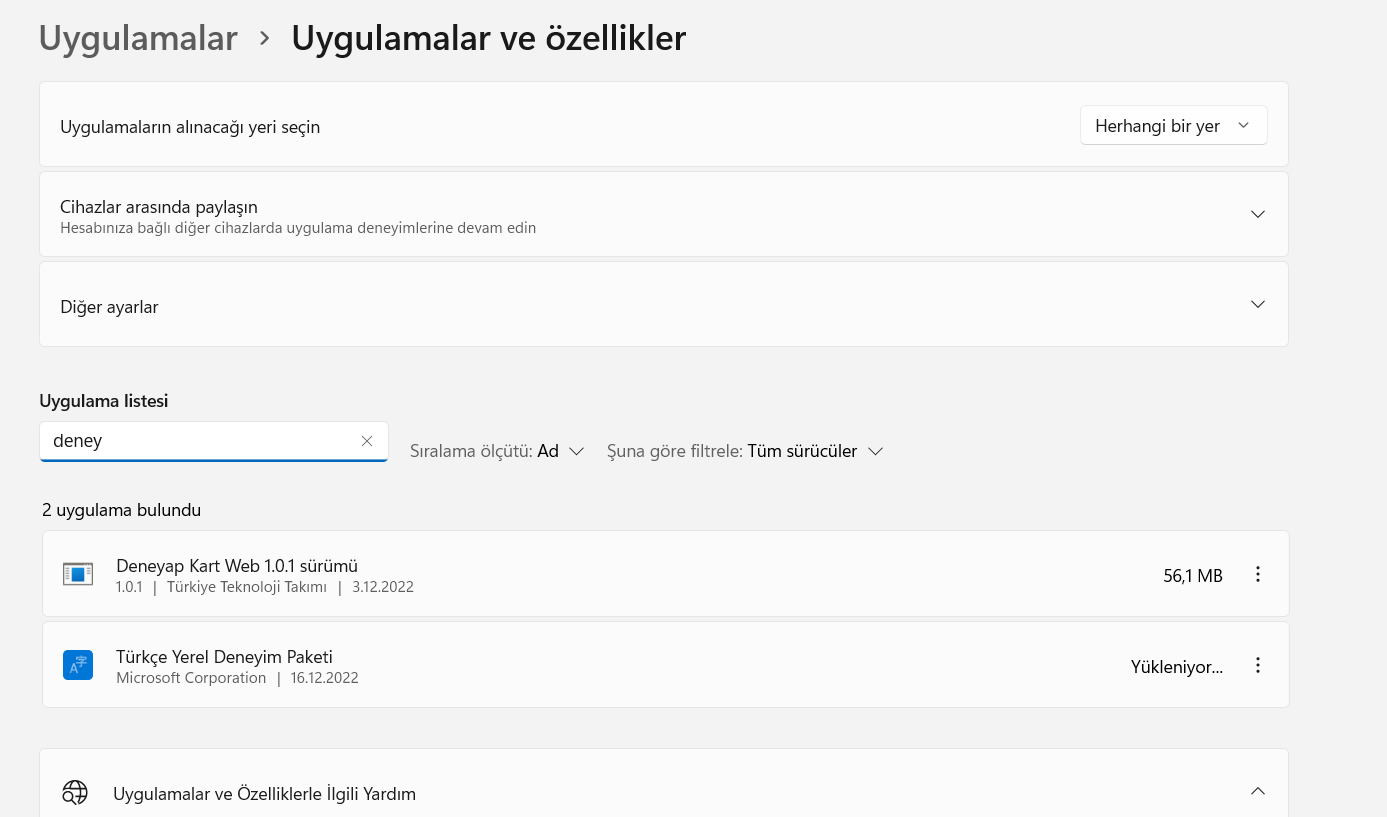
Deneyap Kart Blok Software Windows Uninstall
- After the uninstallation process is completed, click the “Exit” button from the “Deneyap Kart” icon located at the bottom-right corner of the Windows taskbar.
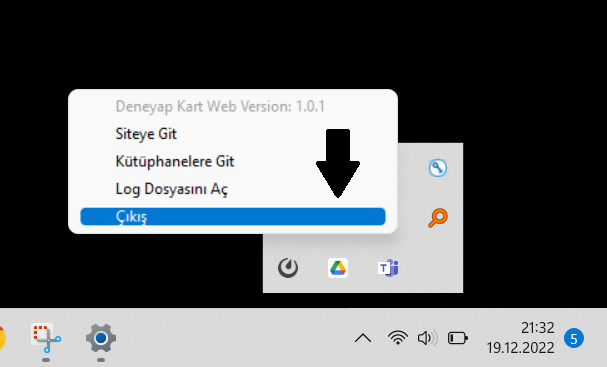
Deneyap Kart Blok Taskbar Exit
- After exiting, you can proceed with installing the new version of the Deneyap Kart Web software.