
- In order to use the Deneyap Kart on your computer, the Deneyap Kart USB-UART driver must be installed. If the driver is not installed on your Windows operating system, your Deneyap Kart will not be detected.
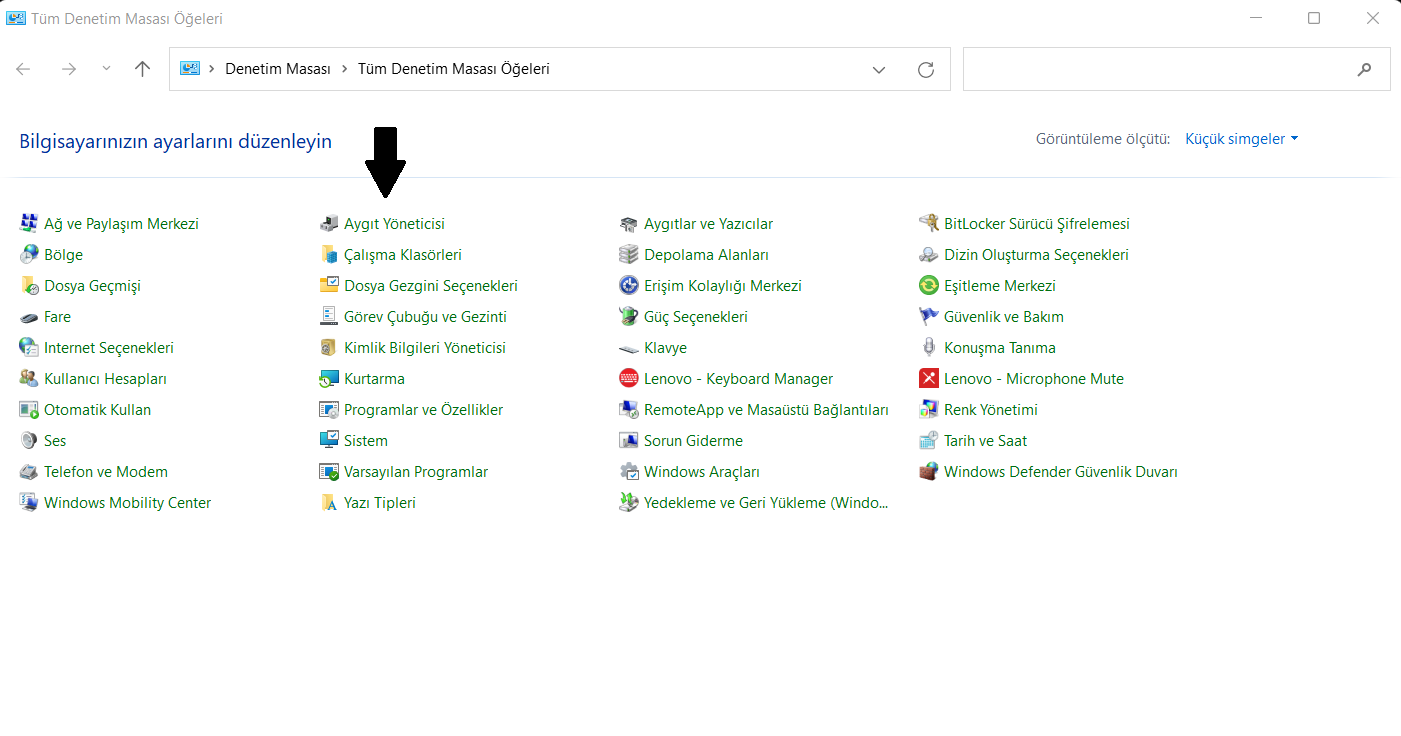
Control Panel
- From the window that opens, select the “Device Manager” application. Under the “Other Devices” category, the entry “Silicon Labs CP210x USB to UART Bridge” corresponds to the Deneyap Kart. This entry will have a warning icon (exclamation mark) displayed next to it.
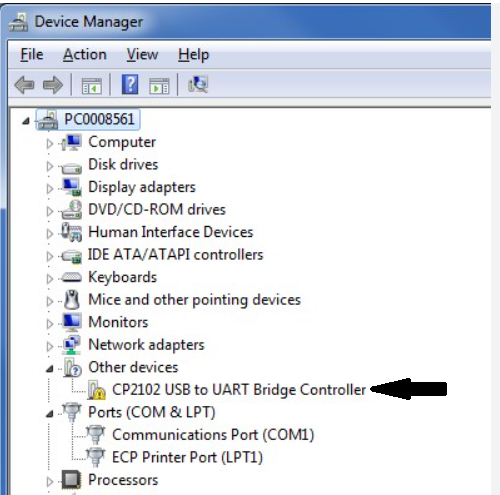
Device Manager
- If the drivers are not installed automatically when you connect the Deneyap Kart to your computer, you can download and install the appropriate driver for your operating system by selecting the “Downloads” section from the link below.
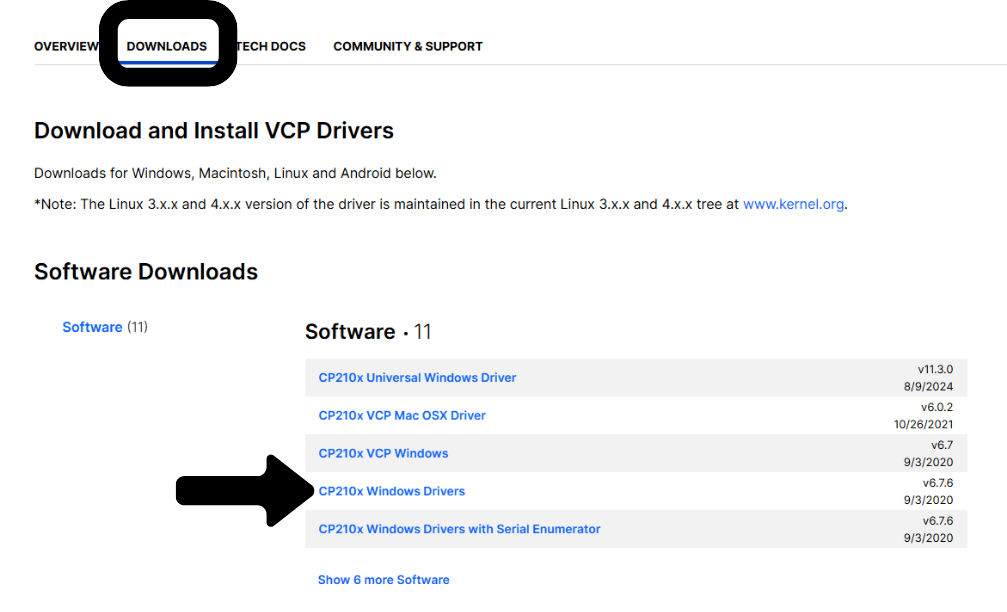
Windows Driver Download