> ## Documentation Index
> Fetch the complete documentation index at: https://docs.deneyapkart.org/llms.txt
> Use this file to discover all available pages before exploring further.
# Warnings (DYLBLOK)
## Deneyap Kart Arduino IDE Library Version Check
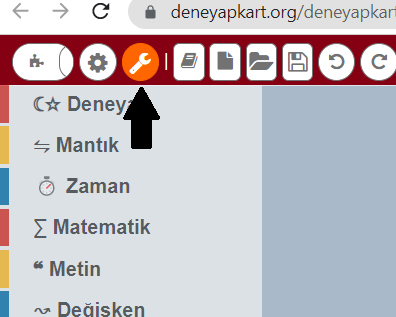
* Open the **“Upload Settings”** section from the Deneyap Blok interface.
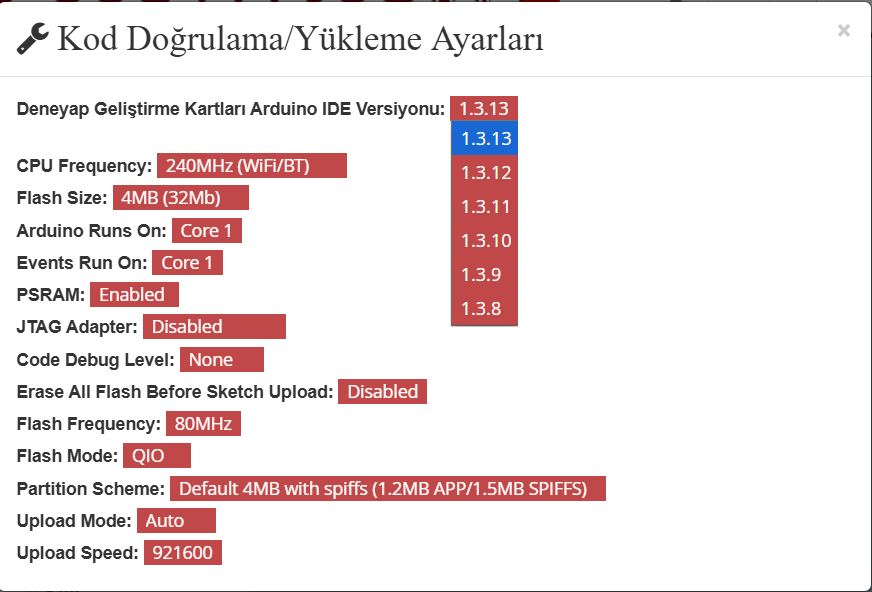
 * In the window that opens, the **“Deneyap Development Boards Arduino IDE Version”** must be selected as the **latest version**.
 ## Deneyap Kart Blok Software Version Check
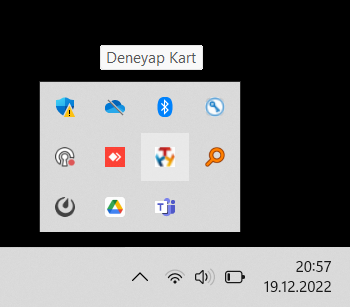
* The **latest version** of the Deneyap Kart Blok software must be installed on your computer. To check this, look for the **“Deneyap Kart”** icon located at the bottom-right corner of the Windows taskbar.
## Deneyap Kart Blok Software Version Check
* The **latest version** of the Deneyap Kart Blok software must be installed on your computer. To check this, look for the **“Deneyap Kart”** icon located at the bottom-right corner of the Windows taskbar.
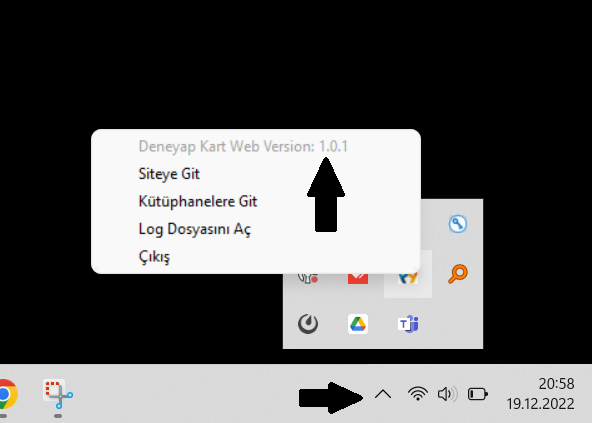
 * When you right-click on the Deneyap Kart icon, you can view the **version number**.
 ## Removing an Old Version of the Deneyap Kart Web Software
* If an old version of the Deneyap Kart Web software is installed on your computer, you must uninstall it using the **“Add or Remove Programs”** application in Windows.
## Removing an Old Version of the Deneyap Kart Web Software
* If an old version of the Deneyap Kart Web software is installed on your computer, you must uninstall it using the **“Add or Remove Programs”** application in Windows.
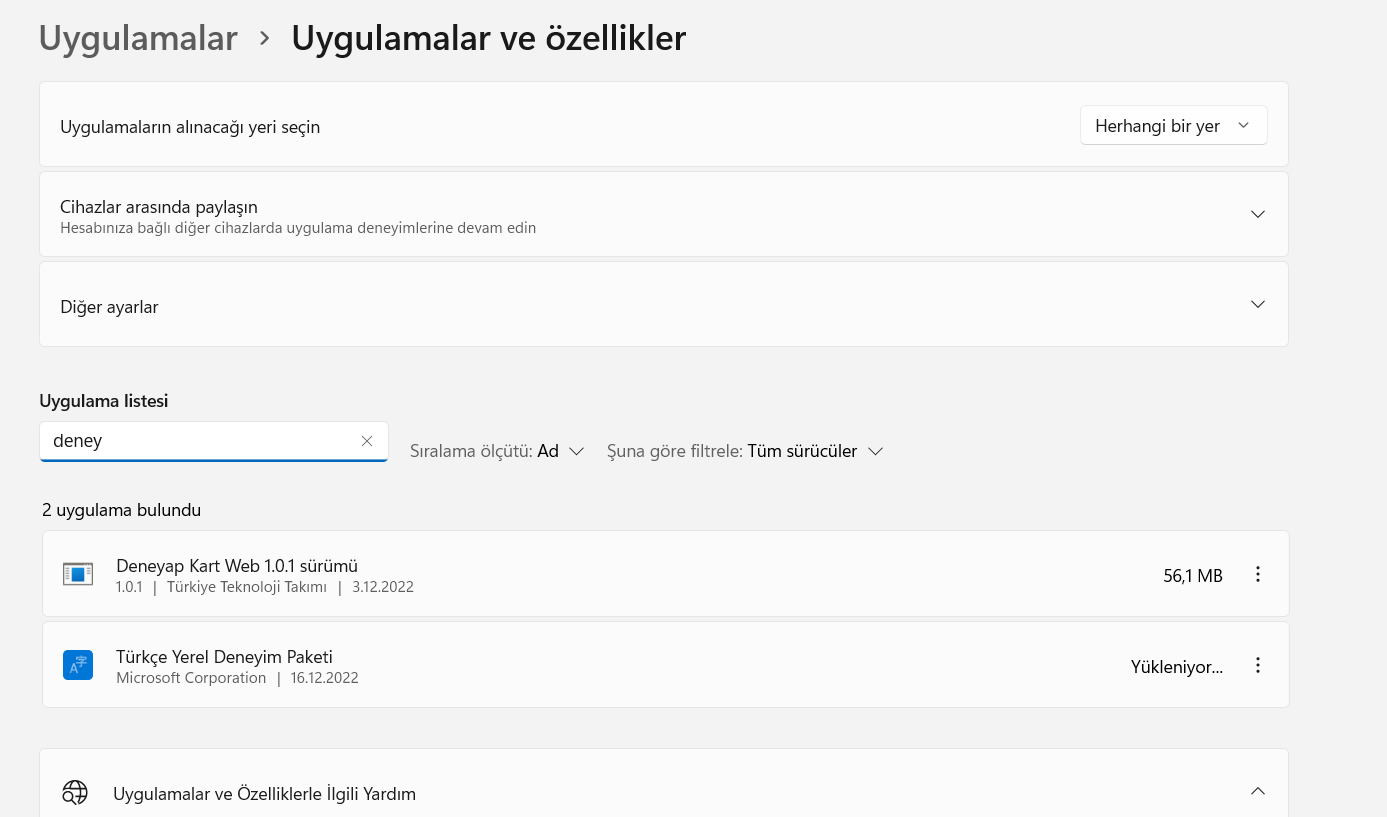 * After the uninstallation process is completed, click the **“Exit”** button from the **“Deneyap Kart”** icon located at the bottom-right corner of the Windows taskbar.
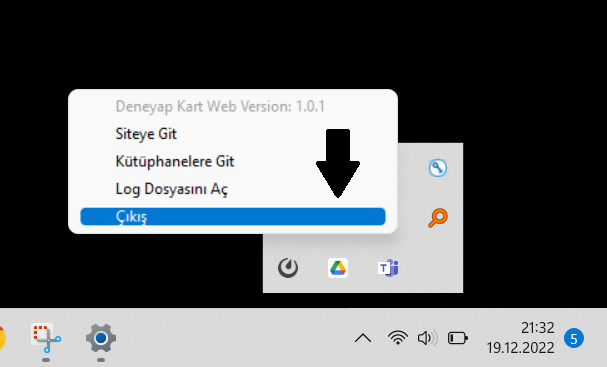 * After exiting, you can proceed with installing the **new version** of the Deneyap Kart Web software.